
Infinite Flight Open Climb
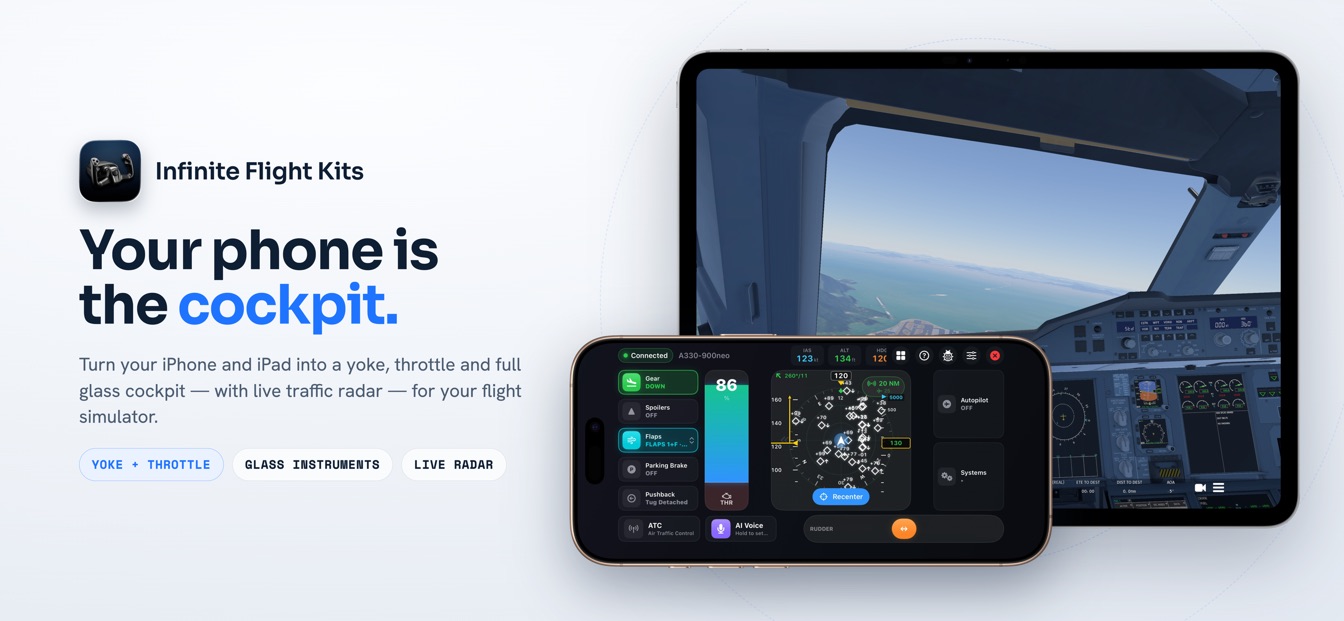
The Airbus pull, on your phone: dial an altitude, tap once, and SkyYoke opens a full-thrust climb with your speed on the elevator — narrated by a live FMA that Infinite Flight never shows you.
Open climb is the Airbus "pull" vertical mode. In SkyYoke you tap the ALT selector in the autopilot panel and the aircraft climbs straight to your selected altitude at fixed THR CLB thrust, holding your selected speed by trading it against pitch. The PFD's Flight Mode Annunciator reads OP CLB and the tile turns blue — the same behaviour as a real A320 flight deck, driven entirely from your iPhone.
Tap to pull: a real open climb in Infinite Flight
- Dial the clearanceSwipe the ALT cell to your cleared altitude.
- Tap to pull — OP CLBOne tap opens the climb at full THR CLB thrust.
- Speed on the elevatorThe jet holds your selected speed and climbs freely.
- CaptureALT* grabs your level and the mode boxes green.
On a real Airbus there are two ways to leave your current altitude, and pilots pick between them with a single gesture on the FCU: pull the altitude knob for an open climb, or push it for a managed climb. SkyYoke brings that exact distinction to Infinite Flight. A quick tap on the ALT selector is the pull; the aircraft leaves for the selected altitude immediately, at full climb thrust, and never mind what the flight plan says. It is the mode you reach for when ATC gives you a straight, unrestricted climb.
What "open" actually means: thrust and speed
The word open describes what the mode ignores. It does not chase a vertical path or level off at intermediate constraints — the climb is "open" all the way to the altitude in the window. The physics behind it is the Airbus climb law: the engines are pinned at a fixed THR CLB setting, and the autopilot holds your selected speed by pitching the nose. Ask for more speed and the nose drops; ask for less and it rises. Thrust is constant, speed is constant, and the climb rate is simply whatever is left over.
That is why the thrust column on the FMA reads THR CLB for the whole climb, and the SkyYoke thrust lever backdrives itself while auto thrust holds the setting. You are not managing the throttle during an open climb — the aircraft is, and the lever shows you exactly what it is doing.
Reading the FMA: OP CLB, THR CLB, ALT
Infinite Flight does not draw an Airbus Flight Mode Annunciator, so SkyYoke computes and renders one on its PFD. During an open climb the strip tells the whole story at a glance:
| Column | Reads | Meaning |
|---|---|---|
| Thrust | THR CLB (green) | Engines pinned at fixed maximum climb thrust — the defining feature of the mode. |
| Vertical | OP CLB (green) | Open climb active, flying straight to the selected altitude. |
| Armed | ALT (cyan) | The selected altitude is armed to capture once you reach it. |
| Capture | ALT* then ALT (green) | Level-off in progress, then held — boxed white for ten seconds as it changes. |
The most important handover happens near the top. As the aircraft approaches the selected altitude, the thrust column flips from THR CLB to SPEED (or MACH at high level) — the engines come back so the jet does not overspeed while it levels — and the vertical mode captures with ALT*. Every mode change draws the real Airbus white box around the cell for a few seconds, so a change you did not command is impossible to miss.
Open climb vs managed climb
The two modes share the same selector; the difference is entirely in the gesture. A tap pulls the open climb described here. A 0.4-second hold pushes a managed climb that follows the flight-plan profile and steps up through altitude constraints. You can tell them apart at a glance on the tile: open climb shows a blue status dot, managed climb shows a magenta dot with a MANAGED chip. On the FMA, open reads OP CLB and managed reads plain CLB.
One panel, every Airbus mode
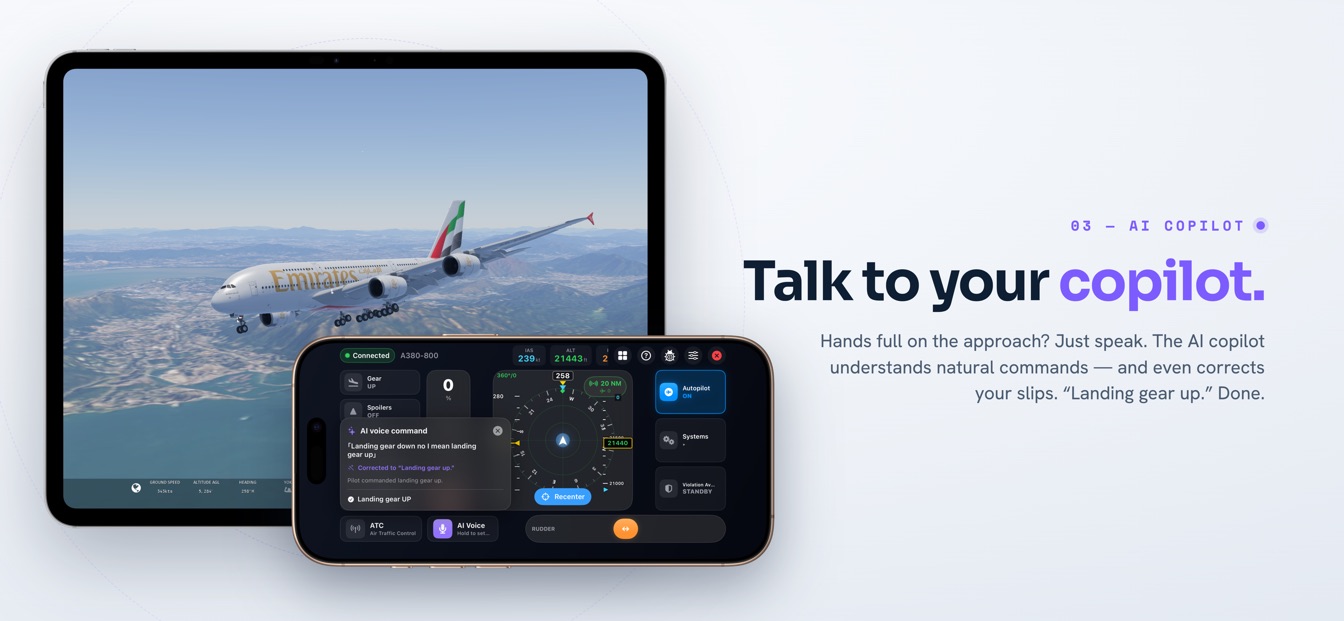
Open climb is part of a full Airbus-style autopilot in your pocket. The same tap-versus-hold logic gives you open and managed descent; the speed and heading selectors work the same way; and the whole thing is backed by the A/THR autothrust and guarded on the way down by the Violation Avoidance System. It is the flight deck of a modern airliner, recreated faithfully and driven from the phone in your hand. SkyYoke is on the App Store now — download it on the App Store / Google Play and pull your first open climb tonight.
Frequently asked questions
How open climb behaves in SkyYoke, and how it differs from a managed climb.
What is an open climb in Infinite Flight?+
An open climb is the Airbus "pull" vertical mode: the autopilot flies straight up to the altitude you dialed at fixed maximum climb thrust, holding your selected speed on the elevator rather than chasing a flight-plan profile. In SkyYoke you engage it by tapping the ALT selector in the autopilot panel; the PFD's Flight Mode Annunciator then shows OP CLB with THR CLB in the thrust column.
How do I engage open climb in SkyYoke?+
Dial your cleared altitude by swiping the ALT value cell, then tap that cell once. A single tap is the Airbus pull, which opens the climb. The tile border and its status dot turn blue to show the mode is engaged, and the FMA changes to OP CLB and THR CLB. A longer 0.4-second hold instead engages managed climb.
What is the difference between open climb and managed climb?+
Open climb ignores altitude constraints and flies straight to the selected altitude at full thrust, holding your selected speed. Managed climb follows the FMS profile and levels off at each altitude constraint on the way up. On the FMA, open climb reads OP CLB and managed climb reads CLB; on the tile, open shows a blue dot while managed shows a magenta dot and a MANAGED chip.
Which aircraft support open climb in SkyYoke?+
Open climb is built for Airbus and Boeing airliners in Infinite Flight, where SkyYoke can act through the autopilot and render an Airbus-style FMA. You need the autopilot engaged for the mode to fly; SkyYoke provides the selector, the tap-to-pull gesture and the live annunciator that Infinite Flight itself does not display.
What happens when the aircraft reaches the selected altitude?+
As the aircraft closes on the selected altitude, the thrust column hands over from THR CLB to SPEED (or MACH higher up) so the engines trim back, and the vertical mode captures the level, showing ALT* and then ALT in green with a white mode-change box for ten seconds — exactly as a real Airbus FMA behaves.
Now on the App Store.
SkyYoke is available now — download it on the App Store and turn your iPhone into a full flight-sim cockpit.
Download on the App Store Get it on Google Play