
Cabin (beta)
Manage virtual passengers in SkyYoke's Cabin for Infinite Flight: boarding orders, cabin service, call buttons, seatbelt discipline and a flight report.
The Cabin fills your aircraft with virtual passengers who board, get hungry, press call buttons and judge your landing Infinite Flight Beta. Open it from the Flight Menu. Because it is in early development, SkyYoke asks you to confirm with Try It Anyway the first time.
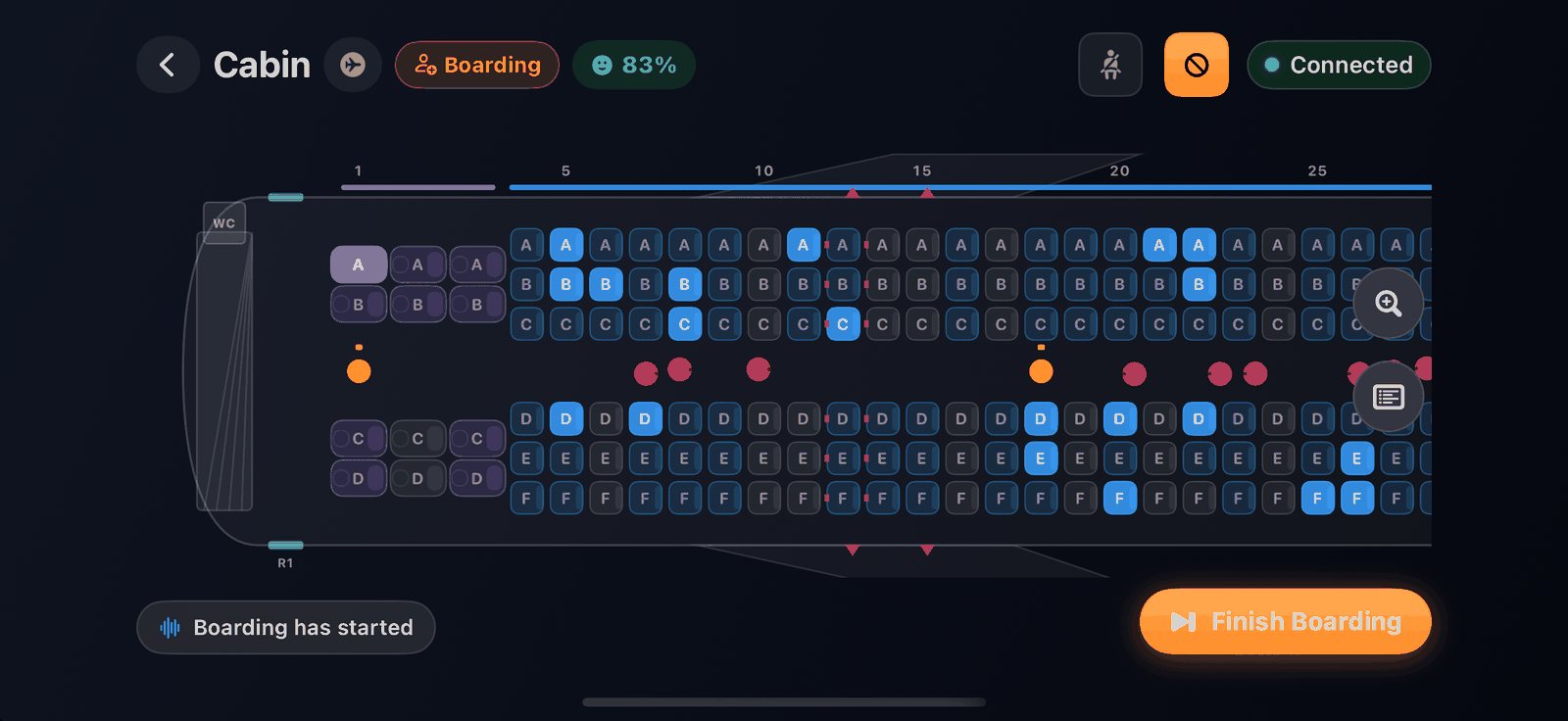
Boarding#
- Park at the gate with the parking brake set, and set a passenger load in Infinite Flight.
- Choose a Boarding order: Random, Back to front, WILMA (window, middle, aisle) or Steffen.
- Tap Start Boarding. Passengers walk to their seats on the top-down seat map. Finish Boarding completes it at once.
SkyYoke picks the cabin airline from your livery. Use Choose cabin airline to change it.
In flight#
- Service: run a Drinks, Meal or Snack round.
- Call buttons: a two-tone chime sounds when a passenger presses the call button. Tap Serve or decline their request.
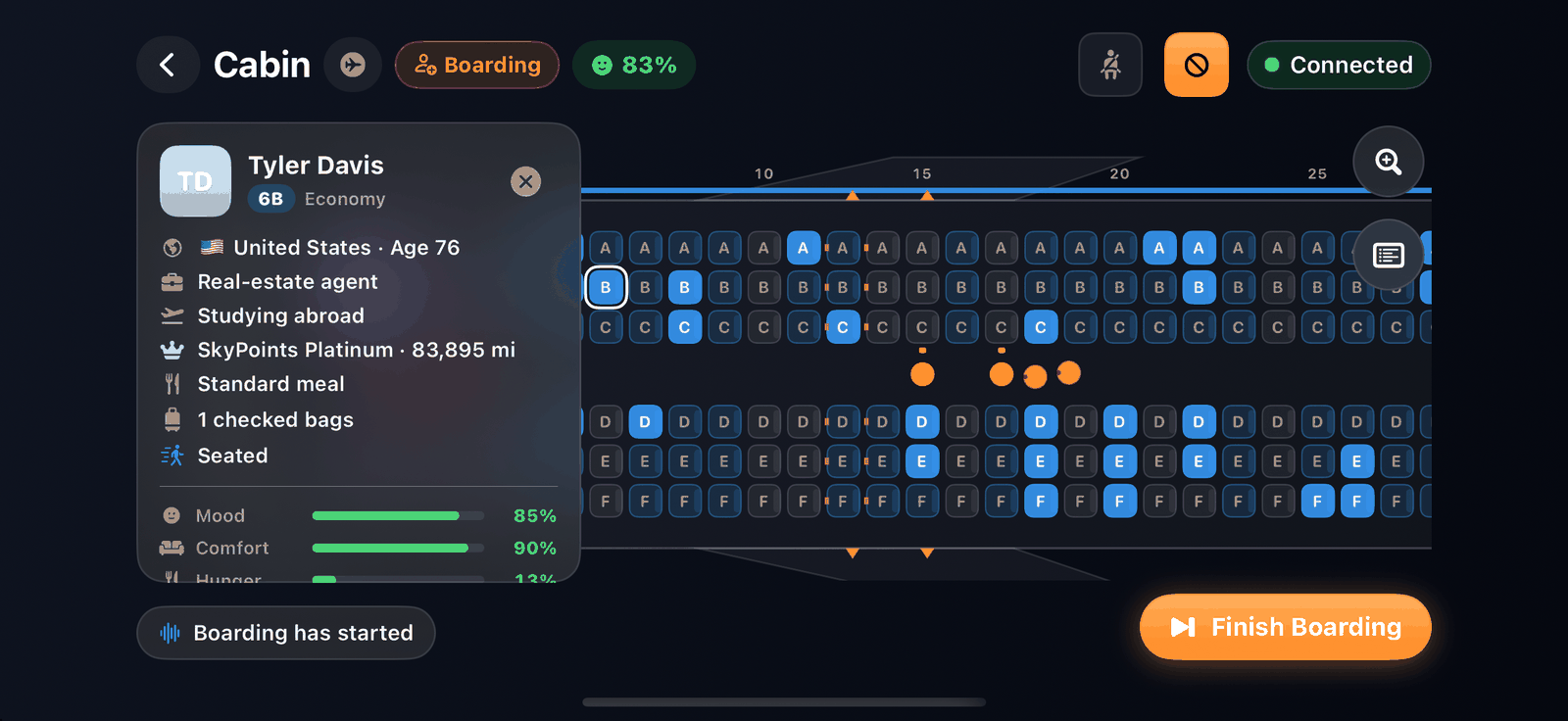
- Passengers: tap a seat to see that passenger's mood, comfort, hunger, thirst, need for the lavatory and tiredness, their nationality and SkyPoints loyalty status.
- Signs: switch the seatbelt and no-smoking signs. Passengers notice how you use them.
- A cabin log records what happens.
After landing#
Park at the gate and tap Start Deboarding. The Flight report scores your flight: the landing (vertical speed and a grade), the service you gave and your seatbelt discipline. Tap New Flight to start over.
If you leave SkyYoke mid-flight, the Cabin asks Resume your cabin? next time, so your passengers are still aboard.