
SkyYoke for Infinite Flight staff
A technical overview of SkyYoke for Infinite Flight staff and reviewers: how it uses the Connect API v2, what it reads and sends, its safety design and privacy.
This page summarises SkyYoke for the Infinite Flight team, moderators and reviewers.
What it is#
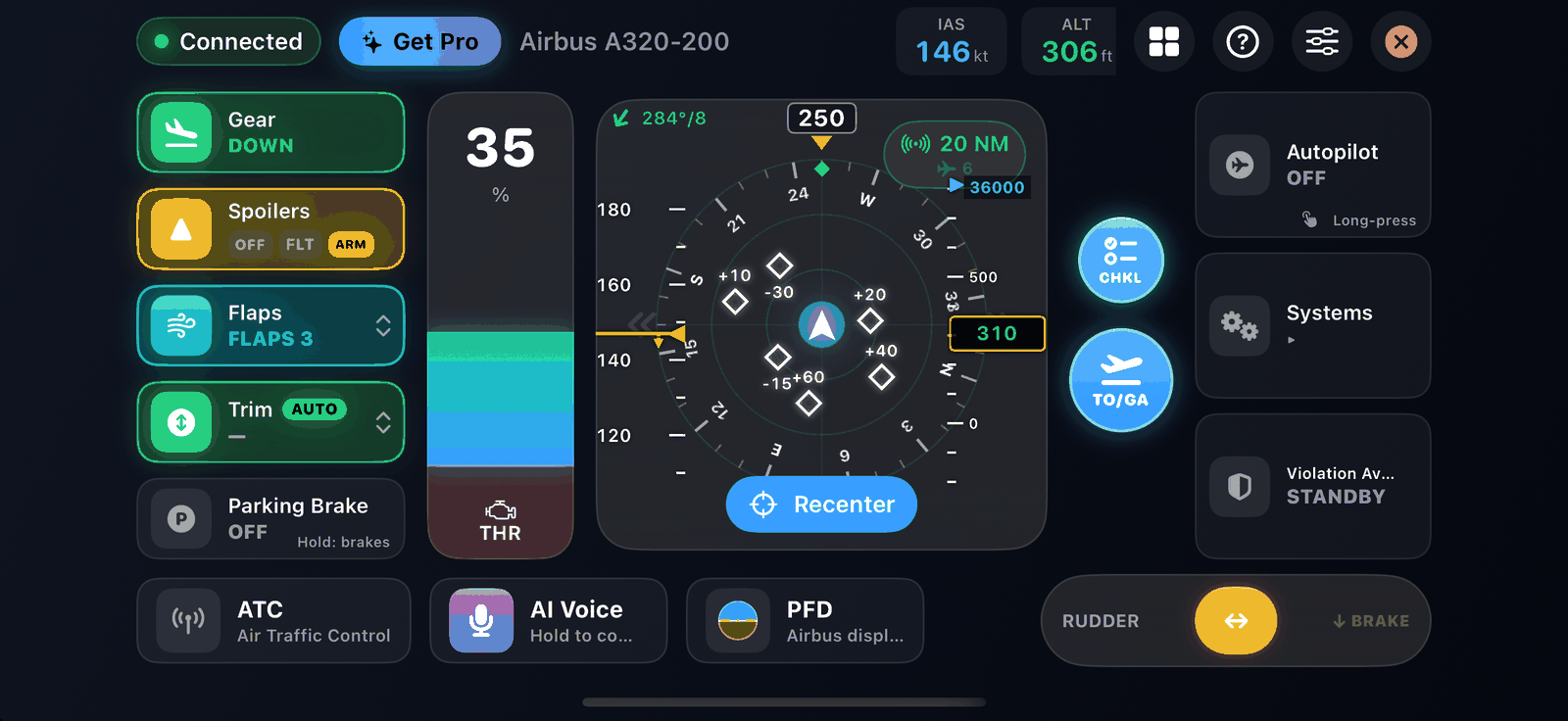
SkyYoke is an independent iPhone app that acts as an external controller for Infinite Flight. It is not affiliated with or endorsed by Infinite Flight LLC. It uses only the public Infinite Flight Connect API v2 that Infinite Flight provides for third-party controllers; it does not modify the simulator, inject code or read memory.
How it connects#
| Step | Detail |
|---|---|
| Discovery | Listens for Infinite Flight's UDP broadcast on port 15000 (sent when Enable Infinite Flight Connect is on) |
| Connection | A TCP connection to the device on port 10112 (Connect API v2) |
| Fallback | The user can type the device's IP address manually |
| Scope | Local network only; nothing passes through SkyYoke's servers |
What it reads#
States from the live API manifest, resolved by path per aircraft: position, attitude, speeds, altitude, vertical speed, autopilot targets and modes, configuration (gear, flaps, spoilers, brakes), engines, systems and lights, the flight plan, nearby traffic, wind and temperature, and ATC messages. Control-critical values are sampled at up to 30 Hz and display data at 10 Hz.
What it sends#
| Kind | How |
|---|---|
| Flight controls | Infinite Flight's virtual joystick axes (roll, pitch, throttle, yaw) and buttons (reverse thrust, camera hat), which the user binds in Settings → Controllers |
| Discrete controls | Named API commands such as gear, flaps, spoilers, parking brake, lights and Auto Start |
| Autopilot | Writes to the autopilot target and mode states (altitude, vertical speed, speed, heading, LNAV, VNAV, approach) |
| ATC | The numbered ATC option commands, which the user chooses |
Inputs are conditioned and sent from a 60 Hz loop, but only when a value actually changes, to keep traffic on the link low.
Safety design#
- Fail-safe autopilot: if the link drops or the app goes to the background, SkyYoke releases held controls and engages the autopilot (user setting, on by default).
- Pause lock: when Infinite Flight is paused, controls are locked until the user resumes.
- Airborne reverse protection: reverse thrust is blocked in the air.
- Gear protection: the gear cannot be raised on the ground.
- Speed limit: the optional Violation Avoidance System keeps Airbus and Boeing aircraft under 250 kt below 10,000 ft.
- Multiplayer etiquette: the app reminds pilots to follow Infinite Flight ATC instructions first.
Privacy#
Control inputs and flight data stay on the local network between the two devices. Voice commands are processed on the iPhone. Accounts are optional and store only an email, an account ID and subscription status. See Account, sign-in and privacy.
Contact#
The developer can be reached through the links on the app's connection screen (Discord, website and email) and at ifkits.com.