
Realism guide
A complete gate-to-gate airline flight in Infinite Flight using every SkyYoke realism feature: checklists, performance, managed modes, callouts, VAS and Auto Taxi.
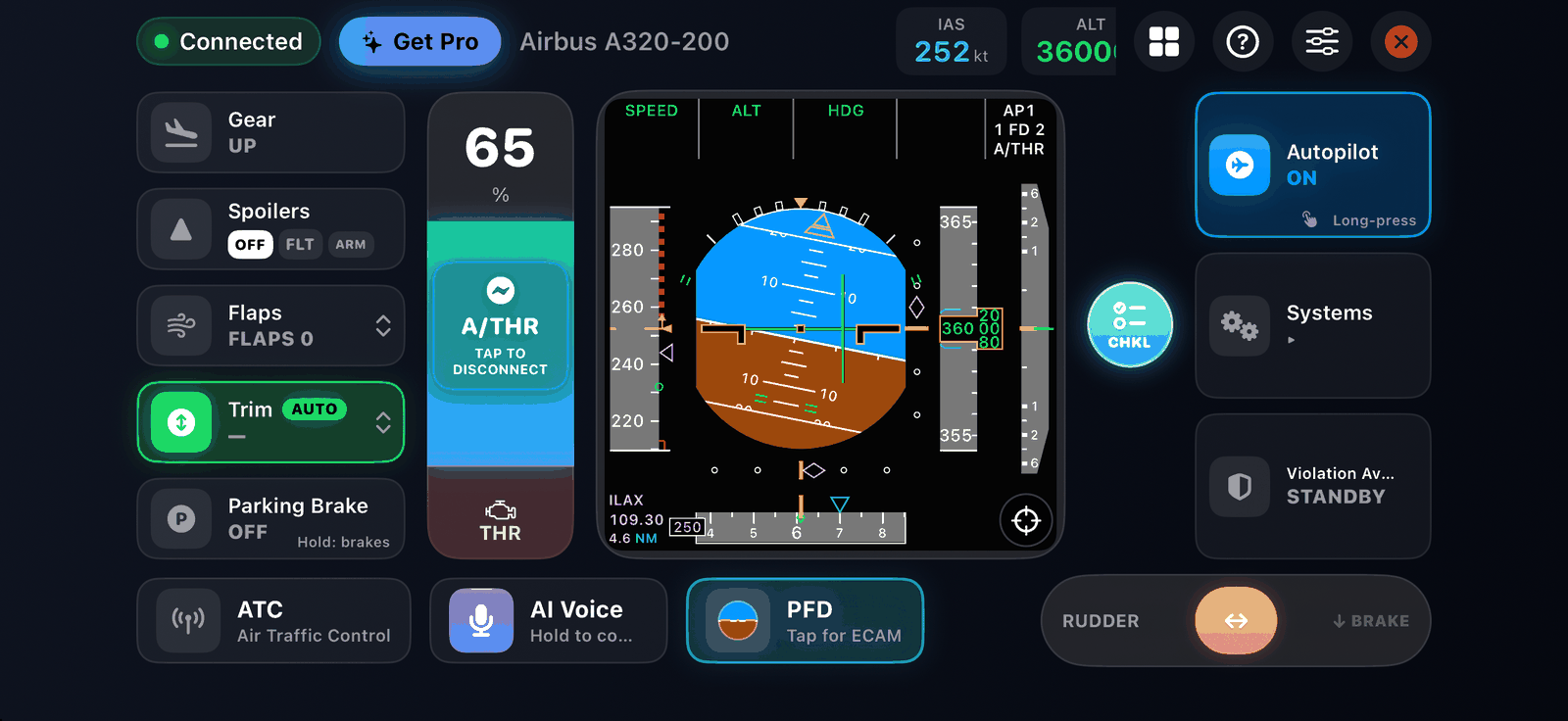
This guide is for experienced simmers who want Infinite Flight to feel like a real airline flight deck. It follows one flight in an Airbus A320 from gate to gate and points to the SkyYoke feature for each step. Boeing pilots get the same features with Boeing displays and terminology.
- Plan. Build your flight plan in Infinite Flight with altitudes on the SID and STAR waypoints. Open Performance to check weight, runway length and wind, and to arm the V-speeds.
- Board. Set the parking brake and run Cabin boarding while you prepare the cockpit.
- Power up. In the systems panel: battery, external power or APU, beacon, then Auto Start.
- Set up the autopilot. On the ground, arm SPD, HDG, LNAV and ALT in the autopilot panel so they engage together after takeoff. Hold ALT and SPD for managed modes and set a Cost Index.
- Taxi. Release the brake and taxi with the rudder, or let Auto Taxi drive to the runway.
- Before takeoff. Run the Before Takeoff checklist, with the co-pilot reading along.
- Take off. Double-tap TO/GA. Hear V1, Rotate and V2, rotate with the yoke, and turn on Auto-Trim.
- Climb. Engage the autopilot. Managed altitude levels at each constraint, managed speed holds 240 kt below 10,000 ft and SkyYoke's auto-thrust drives the lever. Clean up when you hear GEAR UP or FLAPS RETRACT.
- Cruise. Fly with the PFD and ECAM on the phone and the navigation display showing your route and traffic. Serve a meal round in the cabin.
- Descend. Run the Descent checklist. The Violation Avoidance System keeps you under 250 kt through 10,000 ft.
- Approach and land. Run the Landing checklist, arm spoilers, and fly the approach with GPWS and windshear protection. Touch down, pull into the red zone for reverse, and let it become braking below 40 kt (throttle).
- Arrive. Taxi to the gate, set the parking brake, deboard the cabin and read your flight report.
Extra realism#
- Use Motion Yoke with a lower tilt range and some expo for precise hand-flying (settings).
- Hand-fly with VAS when autopilot is off turned on, so mistakes are caught.
- Install a Premium English iOS voice, or the realistic co-pilot voice, for natural callouts.
- Answer ATC from the phone with Hold to reply.
- Use a game controller for the rudder and keep the phone for the displays.