Cockpit screen tour
Every tile, button, lever and banner on SkyYoke's cockpit screen, and what each one does in Infinite Flight.
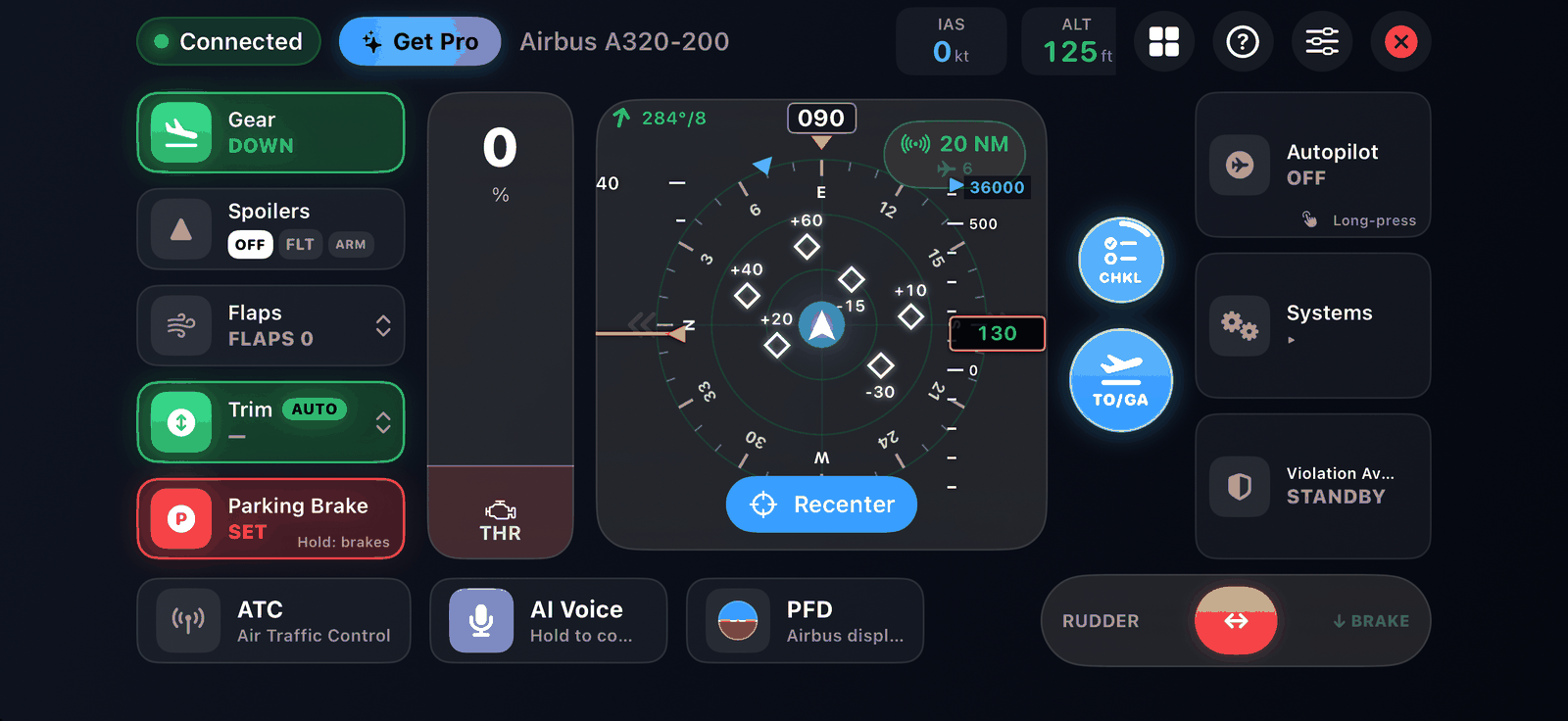
The cockpit screen is where you fly. It is laid out like a real flight deck turned sideways: aircraft controls on the left, the yoke in the middle, the throttle and autopilot on the right, and flight data along the top.
Top bar#
| Item | What it does |
|---|---|
| Status pill | Shows the connection status |
| Get Pro | Opens the Pro purchase screen. Hidden once you own Pro. See Free and Pro. |
| Aircraft name | The aircraft SkyYoke detected |
| HUD strip | Airspeed, altitude, heading, vertical speed, on ground or airborne, and the spoiler state. See Cockpit displays. |
| Menu | Back to the Flight Menu (map, performance, cabin) |
| ? | The Setup Guide |
| Settings (gear icon) | Settings |
| Disconnect | Ends the session |
Left column: aircraft controls#
| Control | Use |
|---|---|
| Gear | Tap to raise or lower. Blocked on the ground with "Can't operate landing gear". |
| Spoilers | Cycles OFF, FLIGHT and ARMED |
| Flaps | Swipe the lever up or down one notch at a time |
| Trim | Swipe for 1% nose-up or nose-down steps; tap for the Auto-Trim briefing, hold to turn Auto-Trim on Airbus Boeing |
| Parking Brake | Tap to set or release |
Details: Gear, flaps, spoilers and trim.
Middle: the yoke#
In Motion Yoke mode the middle shows a pad you hold while tilting the phone, with the traffic radar or a flight display inside. In Touch Joystick mode it is an on-screen stick. See Motion Yoke and Touch Joystick.
Next to the yoke:
- TO/GA: double-tap for takeoff thrust. See Takeoff and go-around.
- CHKL: opens the checklists; its ring shows progress Infinite Flight.
- Recenter: makes the current phone angle the neutral position.
Right column#
| Control | Use |
|---|---|
| Autopilot | Tap to open the autopilot panel; hold 0.8 s to engage or disengage the autopilot directly |
| Systems | Opens the systems panel: lights, engines, APU and more |
| Violation Avoidance | Shows and controls the speed-limit protection Pro |
| Throttle lever | Forward thrust, with the red reverse and brake zone at the bottom. See Throttle, reverse thrust and brakes. |
Bottom row#
- ATC launcher with an unread badge. See ATC.
- AI Voice microphone. See AI Voice Commander Pro.
- Display button: cycles the radar, the primary flight display and the engine display. See Cockpit displays.
- Rudder slider. It springs back to centre when you let go.
Banners and overlays#
SkyYoke shows short banners at the top of the screen when something needs your attention:
| Banner | When |
|---|---|
| TCAS, windshear and GPWS warnings | See Callouts and warnings |
| GEAR UP, FLAPS RETRACT | Takeoff configuration reminder during a managed climb |
| Braking mode (below 40 kts) | The throttle's red zone is working the wheel brakes |
| Airborne reverse-thrust warning | You pulled into the red zone in the air; reverse is blocked |
| Subscribe to unlock full thrust | The free version's 85% thrust cap |
| Auto thrust off | You disconnected the managed auto-thrust |
| Checklist co-pilot | A checklist is running; tap to reopen, X to stop |
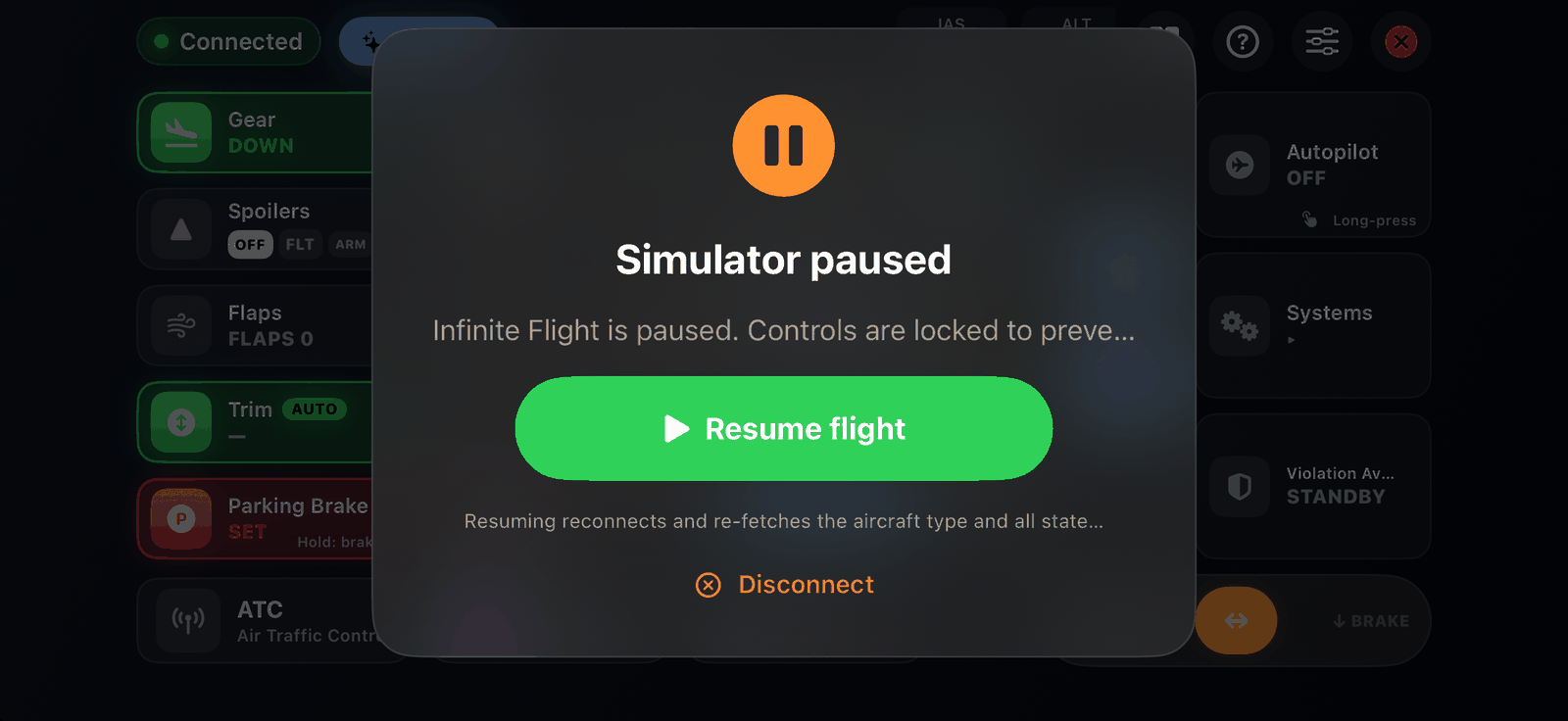
Full-screen overlays appear when Infinite Flight is paused (with Resume flight), when the connection is lost, and when the axes still need binding.