
Gear, flaps, spoilers and trim
How to use the landing gear, flaps, spoilers, parking brake and pitch trim in SkyYoke, including fly-by-wire style Auto-Trim for Airbus and Boeing.
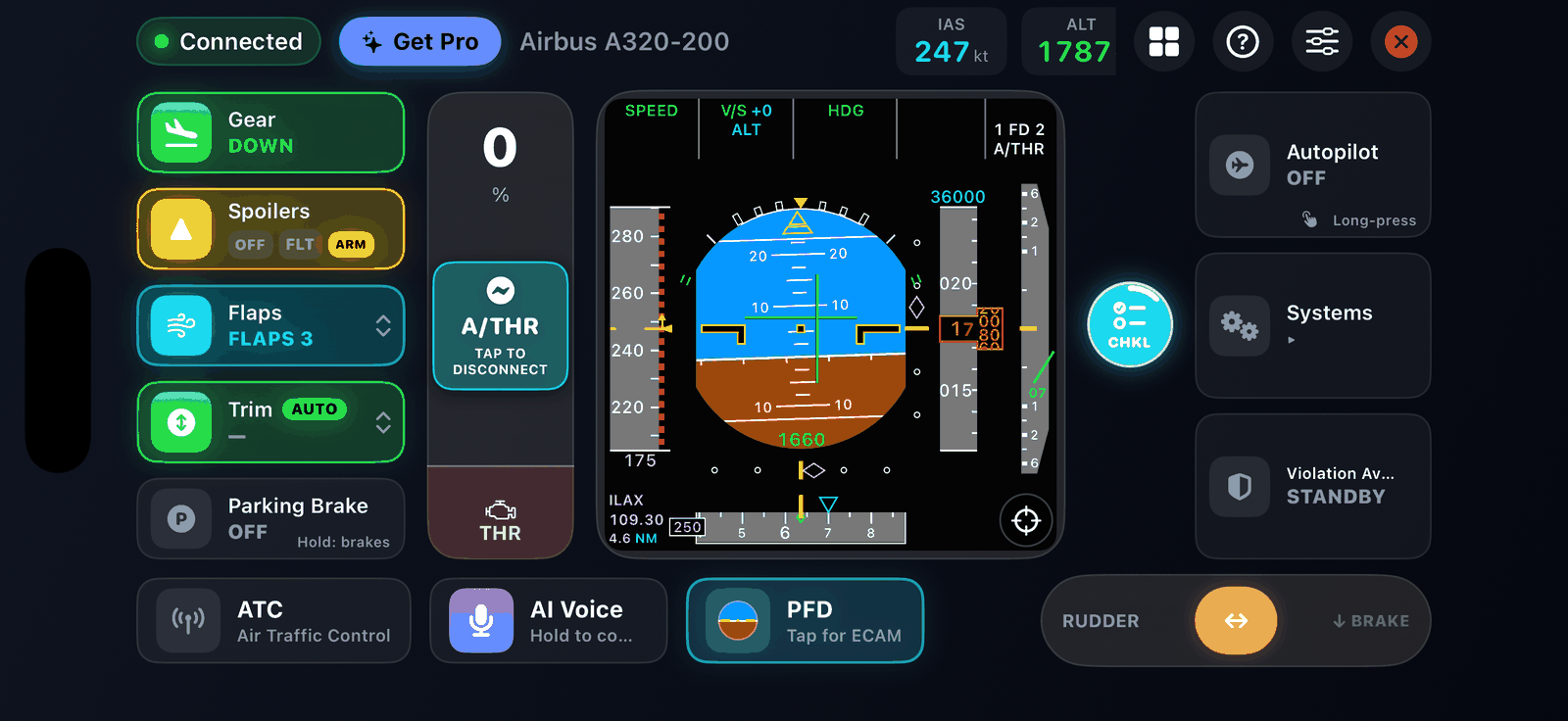
The left column of the cockpit screen holds the controls you use on every flight.
Landing gear#
Tap Gear to raise or lower it. The tile lights green with the gear down. On the ground SkyYoke blocks the gear and shows Can't operate landing gear.
Flaps#
Swipe the Flaps lever up or down to move one notch at a time. The tile shows the current setting for your aircraft.
Spoilers#
Tap Spoilers to cycle OFF, FLIGHT (speed brakes in the air) and ARMED (deploy automatically on touchdown). The HUD strip shows the spoiler state too.
Parking brake#
Tap Parking Brake to set or release it. Release it before you taxi or use Auto Taxi.
Pitch trim Infinite Flight#
Swipe the Trim tile up or down to trim nose-down or nose-up in 1% steps. The tile shows the current trim, or NEUTRAL at zero. Trim lets the aircraft hold a pitch without you holding the yoke.
Auto-Trim Airbus Boeing#
Real Airbus and fly-by-wire Boeing aircraft trim themselves. SkyYoke can do the same:
- Tap the Trim tile for a short briefing on how trim and Auto-Trim work.
- Press and hold the Trim tile to turn AUTO on or off.
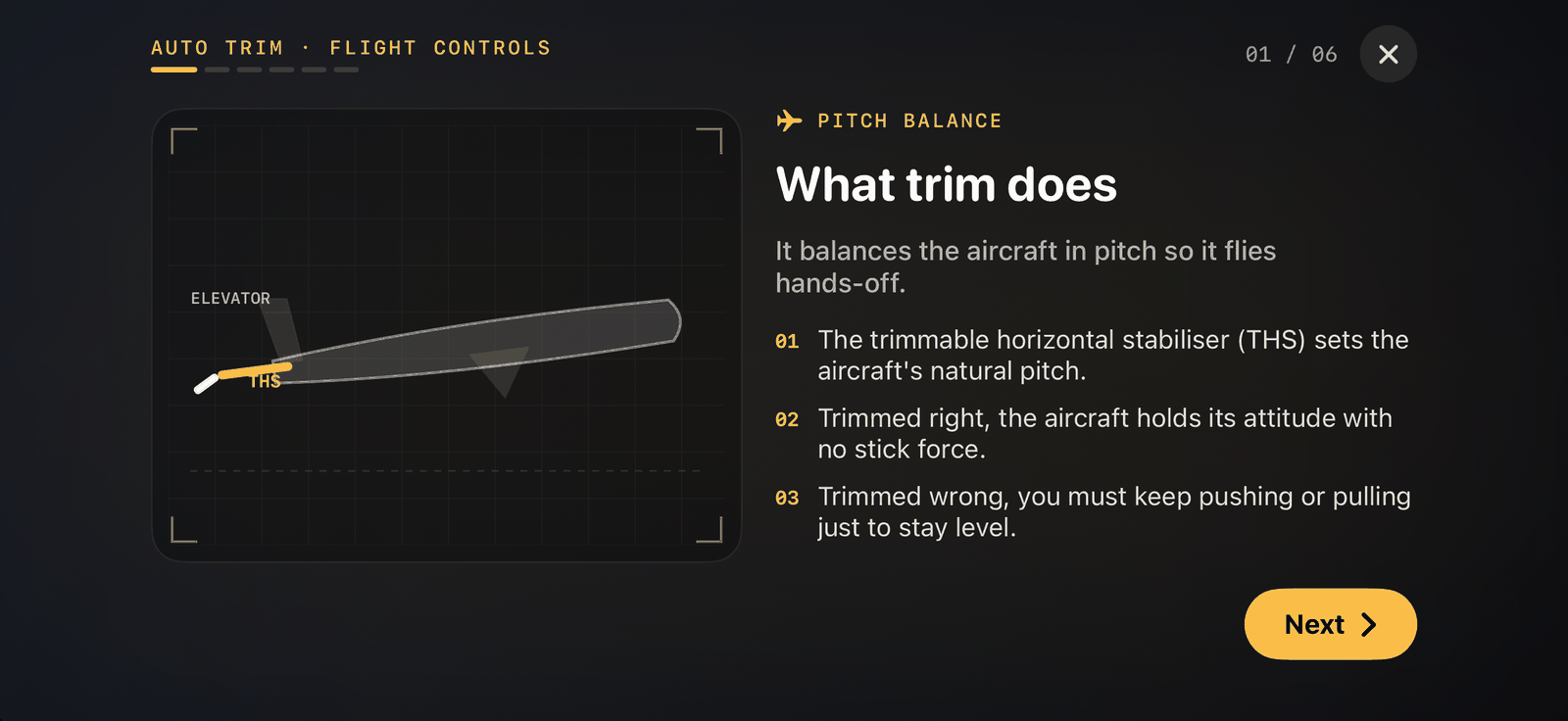
With Auto-Trim on, SkyYoke watches how long you hold the yoke forward or back and trims that pressure away in 1% steps, so you can relax to neutral and the aircraft keeps its attitude. It:
- works only in the air, above 50 ft, with the autopilot off;
- freezes on the ground and in the flare below 50 ft;
- trims out faster just after the autopilot disconnects;
- never takes over: a manual swipe on the Trim tile hands trim back to you.