
Settings reference
Every SkyYoke setting with its range, default and effect: control mode, tilt range, sensitivity, dead zone, expo, camera, radar, callouts, VAS and more.
Open Settings with the gear icon in the cockpit's top bar. Changes apply immediately.
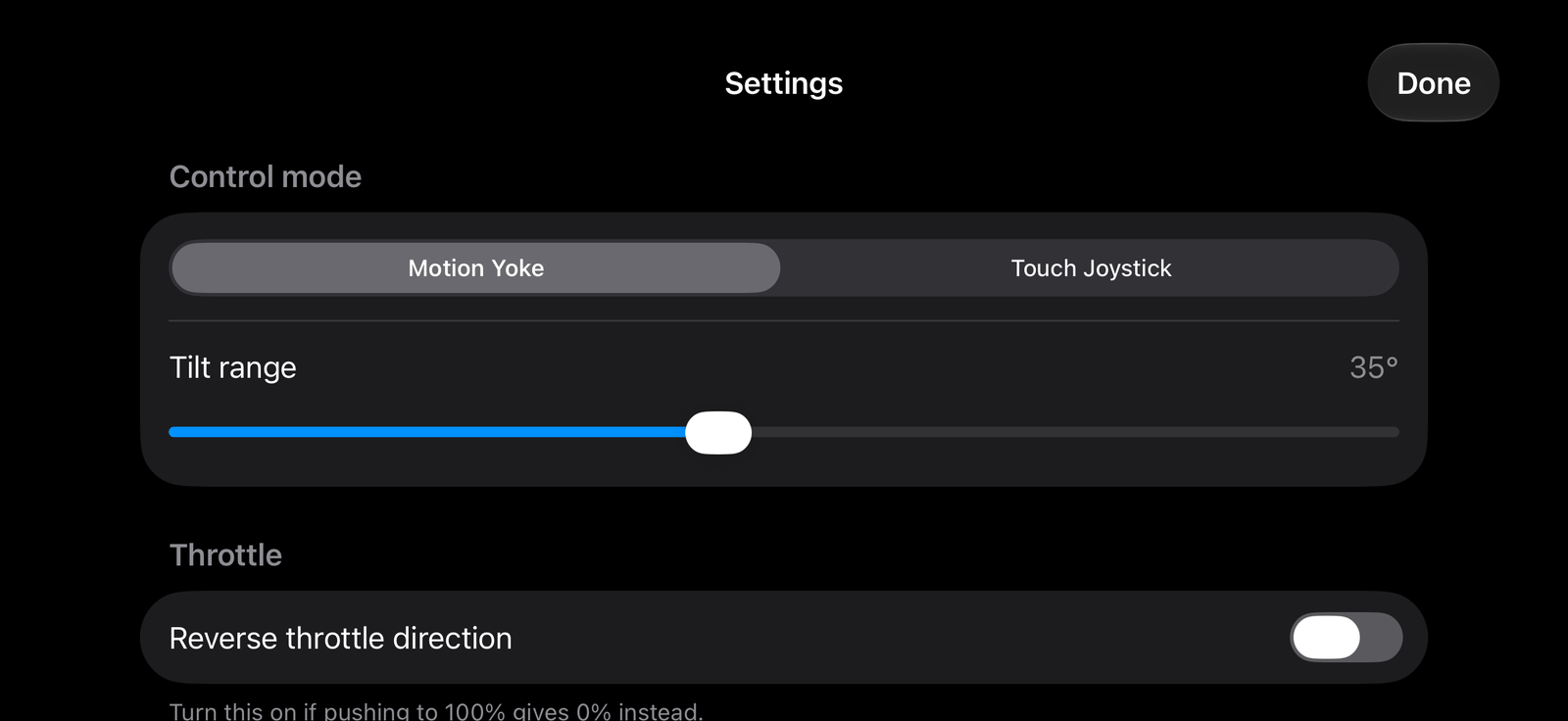
Control mode#
| Setting | Options | Default | Effect |
|---|---|---|---|
| Input method | Motion Yoke, Touch Joystick | Motion Yoke | How you fly. See Motion Yoke and Touch Joystick. |
| Tilt range | 15° to 60° | 35° | How far you tilt for full control (Motion Yoke only) |
Throttle#
| Setting | Default | Effect |
|---|---|---|
| Reverse throttle direction | Off | Turn on if pushing to 100% gives 0% |
Pitch, roll and yaw#
Each axis has its own section with the same four settings.
| Setting | Range | Default | Effect |
|---|---|---|---|
| Sensitivity | 0.2 to 2.0 | 1.0 | How strongly the aircraft responds |
| Dead zone | 0 to 0.3 | 0.05 pitch and roll, 0.08 yaw | Ignores tiny movements near centre |
| Expo curve | 0 to 1 | 0.35 pitch and roll, 0.20 yaw | Softer near centre, full authority at the ends |
| Invert direction | On or off | Off | Reverses the axis |
External Controller#
Opens game controller binding.
Camera#
Swiping the Motion Yoke pad moves the camera. Motion Yoke only.
| Setting | Range | Default |
|---|---|---|
| Camera sensitivity | 0.3 to 3.0 | 1.0 |
| Invert horizontal | On or off | Off |
| Invert vertical | On or off | Off |
Radar#
Motion Yoke only.
| Setting | Default | Effect |
|---|---|---|
| Traffic radar | On | Shows the TCAS radar in the yoke pad |
| Show ground traffic | Off | Includes aircraft on the ground |
Safety and feedback#
| Setting | Default | Effect |
|---|---|---|
| Engage autopilot on disconnect | On | Turns the autopilot on if the link drops or you leave the app |
| Sync heading bug in LNAV | On | Keeps the heading target on the route while LNAV flies |
| Haptic feedback | On | Vibrations for detents, switches and warnings |
| Ground taxi rumble | On | Vibrates as you roll on the ground |
| Takeoff V-speed callouts | On | V1, Rotate, V2. See Callouts. |
| TCAS traffic callouts | On | Traffic and resolution advisories |
| Windshear warning | On | Between 50 ft and 1,300 ft |
| GPWS terrain alerts | On | Modes 1 to 5 |
| Violation Avoidance System | On (Pro) | Speed-limit protection. See VAS. |
| VAS when autopilot is off | Off (Pro) | Extends VAS to hand-flying |
Free users see the two VAS switches off; tapping them opens the Pro options.
Connection#
Test my connection runs the connection check-up.
Other#
| Item | Effect |
|---|---|
| Refresh aircraft data | Reloads the aircraft after you switch aircraft in Infinite Flight |
| Restore default settings | Resets every setting (keeps your last connection) |
| Legal Information | Third-party notices and licences |